Connect an AI assistant
Use Coldlytics from Claude, ChatGPT, Claude Code, Cursor and any MCP client.
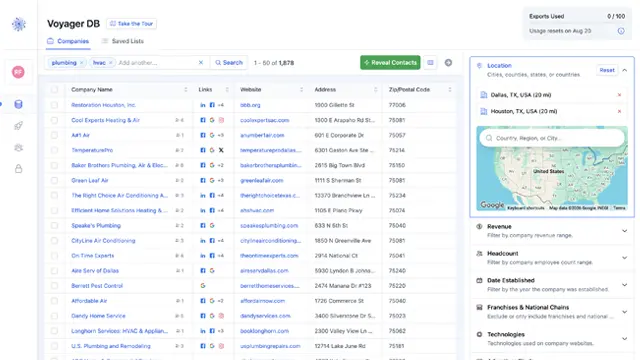
The Coldlytics MCP server lets an AI assistant work with your Coldlytics account in conversation: "find owners of plumbing companies in Austin", "reveal the top ten", "look up acme.com", "launch a research task for these 40 domains".
Server URL: https://mcp.coldlytics.com/mcp (Streamable HTTP)
Authentication: sign in with your Coldlytics account (OAuth 2.1 with PKCE; supports Client ID Metadata Documents and dynamic client registration), or an API key sent as Authorization: Bearer cl_live_… for clients that cannot do OAuth.
Claude
- In Claude, open Customize → Connectors → Add custom connector.
- Enter
https://mcp.coldlytics.com/mcpand confirm. - Claude opens a Coldlytics sign-in. Approve the access you want to grant. You can disconnect at any time from Integrations → API & MCP in the dashboard.
Claude Code
claude mcp add --transport http coldlytics https://mcp.coldlytics.com/mcp
Then run /mcp inside Claude Code to sign in.
ChatGPT
- Settings → Connectors → Advanced → Developer mode (on).
- Create a connector with the server URL above and OAuth authentication.
- Sign in to Coldlytics when prompted. Note that ChatGPT only lets Business and Enterprise workspaces run write tools such as reveals and research launches; Pro can search and look up.
Cursor and other MCP clients
{
  "mcpServers": {
    "coldlytics": {
      "url": "https://mcp.coldlytics.com/mcp",
      "headers": { "Authorization": "Bearer cl_live_YOUR_KEY" }
    }
  }
}
Create the key under Integrations → API & MCP in the dashboard, with only the scopes the client needs.
Tools
| Tool | What it does | Credits |
|---|---|---|
get_account |
Subscription, credit balance, monthly search allowance | none |
get_search_options |
Valid values for locations, categories, technologies, seniorities, departments, research data points | none |
search_companies |
Companies by keywords and filters | none, within the monthly allowance |
search_people |
Decision-makers at matching companies, by seniority, department or title | none, within the allowance |
lookup_company |
One company's profile, branches and revealable people by domain | none, within the allowance |
reveal_contact |
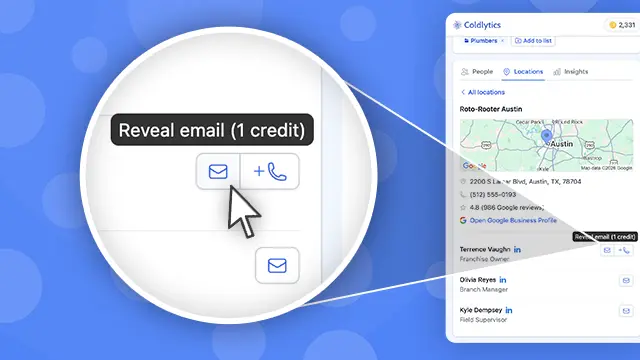
Verified email (and optionally direct dial) for one person, saved to your Contacts | 1 per email, 1 per dial; owned people are free |
reveal_contacts / get_reveal_run |
Reveal up to 500 people in the background and follow progress | per verified email and dial |
find_email |
One person's verified email from name and company domain | 1 when a verified email is returned |
list_contacts / get_contact |
Contacts you own, with every email and dial | none |
launch_research / get_research_task / list_research_tasks |
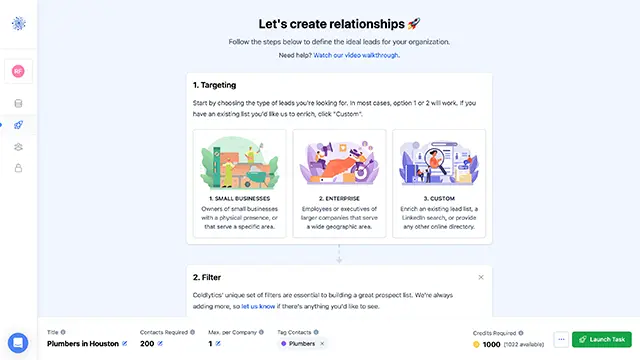
Human research for 20+ companies or people, delivered in 1–3 business days | 5 per contact requested, booked at launch |
Every tool that spends credits is annotated so the assistant asks before running it. Searches share the account's monthly allowance with the Chrome extension; the dashboard itself is never capped.
Scopes
account:read, search:read, contacts:read, reveals:write, research:read, research:write. Team seats can only grant what their seat is allowed to do.
For client developers
- Protected resource metadata:
https://mcp.coldlytics.com/.well-known/oauth-protected-resource/mcp - Authorization server metadata:
https://app.coldlytics.com/.well-known/oauth-authorization-server - The server is stateless (JSON-RPC over POST); long work returns a run or task id to poll.